Module 01
Content Hub
Let AI understand your content and build better courseware

Ways to generate courseware
01Existing PPTKeep your structure and content while AI strengthens the presentation
02Source documentsUpload PDF or Word files and AI reorganises them into complete courseware
Multimedia generation
01AI narrationNatural, teaching-ready narration generated from the material
02Image generationCreate or fill in visuals that fit each page
03Video generationTurn material into video assets for richer delivery
04AI AvatarAdd an AI avatar to present alongside the narration
Assembled into courseware you can teach, share and track
Everything managed in one place with versioning and team collaboration
Central management
All courseware and assets in one place, easy to find and update
AI understands content
AI parses your material deeply and generates what teaching needs
Team collaboration
Collaboration and permission controls that speed up production
Content Hub — six capabilities that together build complete courseware for any content need
Module 02
Scenario Studio
One practice flow, flexible across every scenario
Communication practice
01ExplainingSimplify, use analogies, confirm real understanding
02PersuadingUnder repeated challenge, translate features into returns
03NegotiatingExplore needs, surface hidden constraints, find a win-win
04Answering under reviewStay specific, consistent and evidence-based under pressure
05Handling conflictRegulate emotion — empathy first, then solutions
Specialised scenarios
01Sales in actionFull sales development: product knowledge, discovery, objections, closing
Diverse scenarios
Covers real business and everyday situations for every department
AI-simulated dialogue
AI plays the role and the situation so learners can practise safely, again and again
Flexible setup
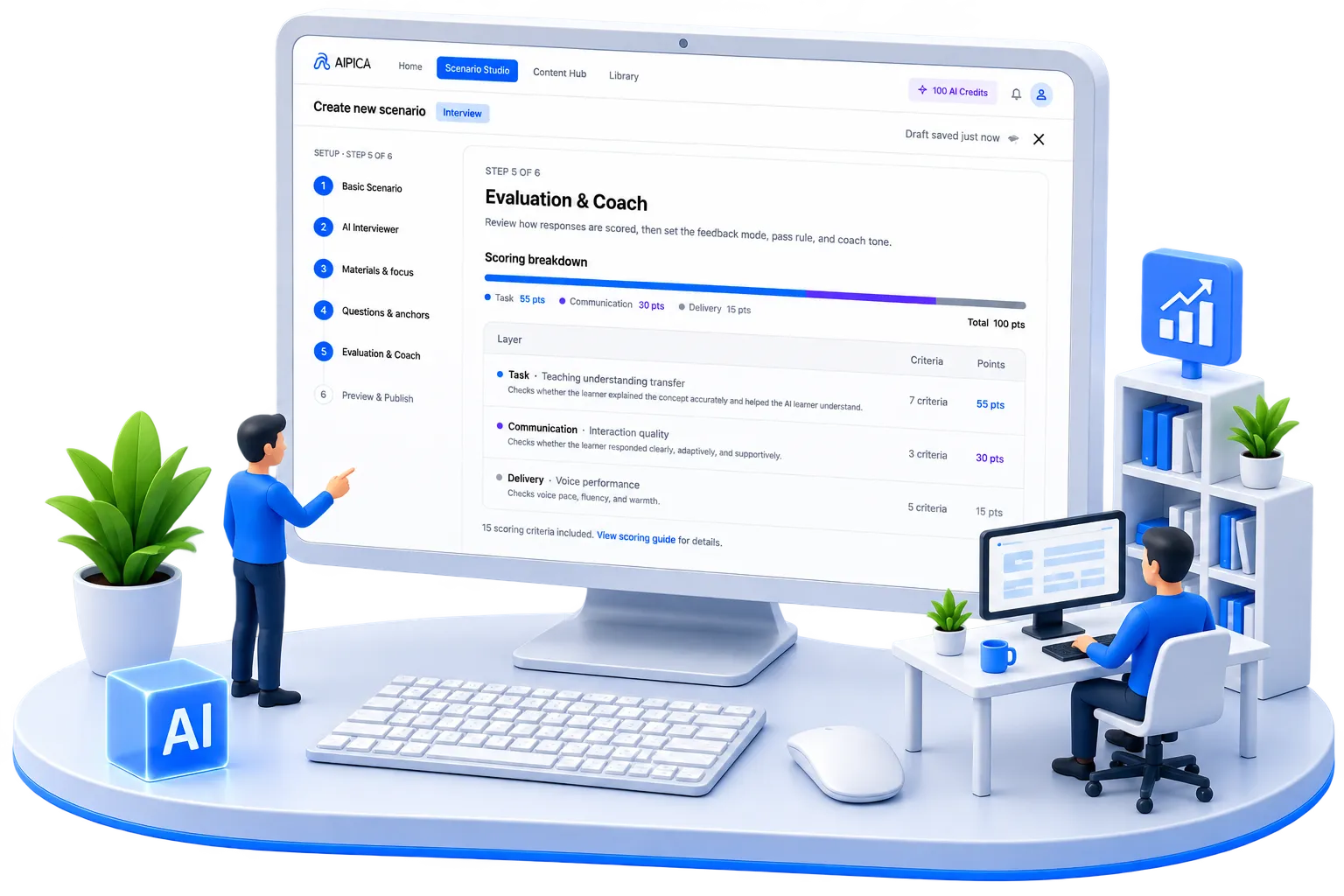
Customise roles, situations, difficulty and scoring to your own goals
Scenario Studio — six scenario types share one practice flow, only the presets differ
Module 03
AI Assessment & Improvement
From overall performance to capability gaps to concrete next steps —
every session becomes the basis for the next improvement.
01
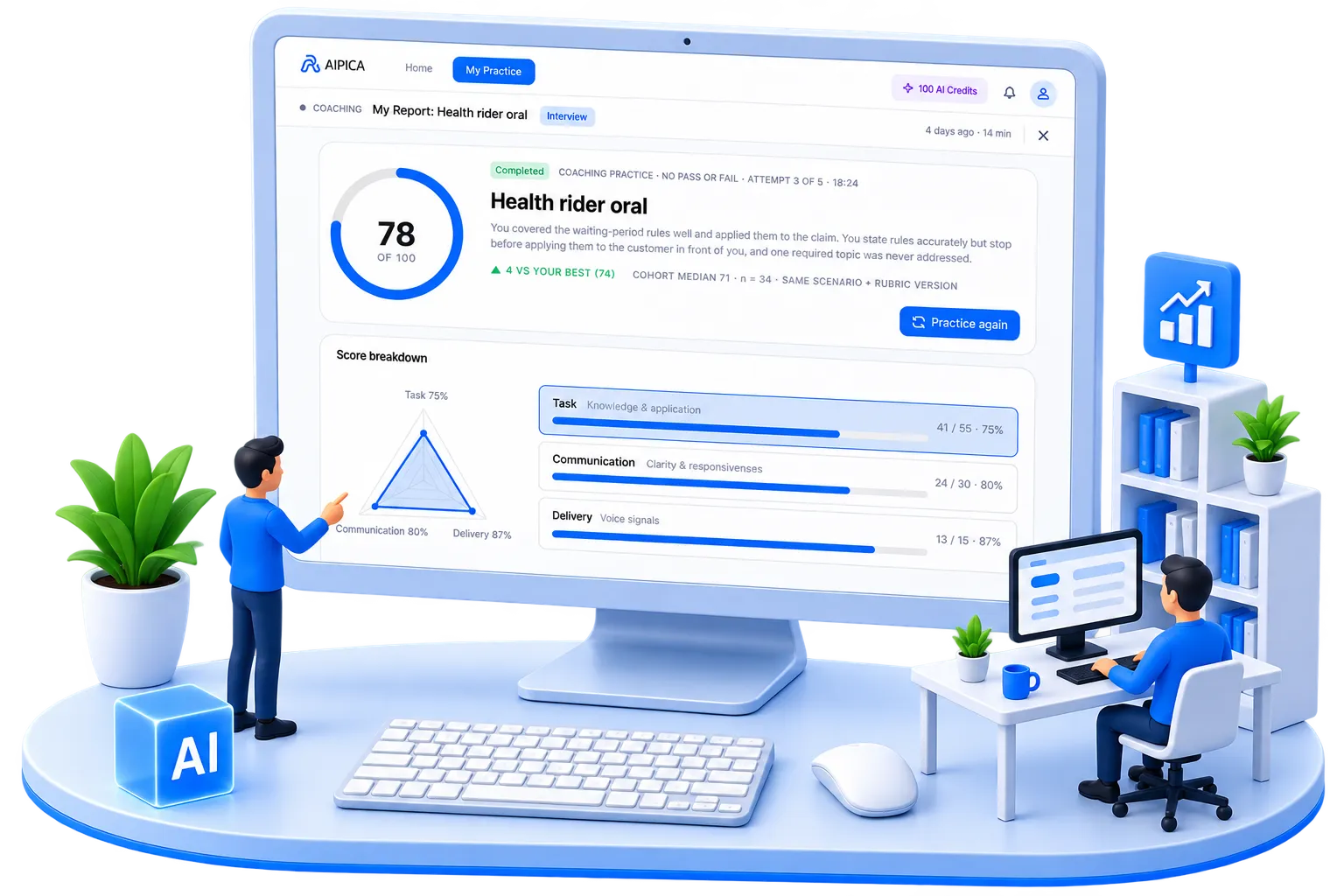
See overall performance at a glance
Start from the result and read the session quickly.
An overall score plus key capability indicators show how the learner did on structure, expression and delivery — no need to replay the whole session.
02
Not just a score — know where the gap is
Compare target and actual to find the real gap.
Set targets against actual performance to see capability gaps clearly and focus on what really moves results.
03
Turn feedback into the next improvement
Concrete recommendations give every session a clear next step.
AI gives specific feedback and recommendations with examples and action guides, so learners can apply them in the very next session.
Multi-dimensional assessment
Assessed across content, expression and interaction for an objective picture
Concrete recommendations
AI feedback and action guidance with concrete methods for real improvement
Track progress over time
Every session is recorded so growth becomes visible
AI Coach combines rigorous assessment with personalised feedback to keep capability improving